Deep Space
Static comparison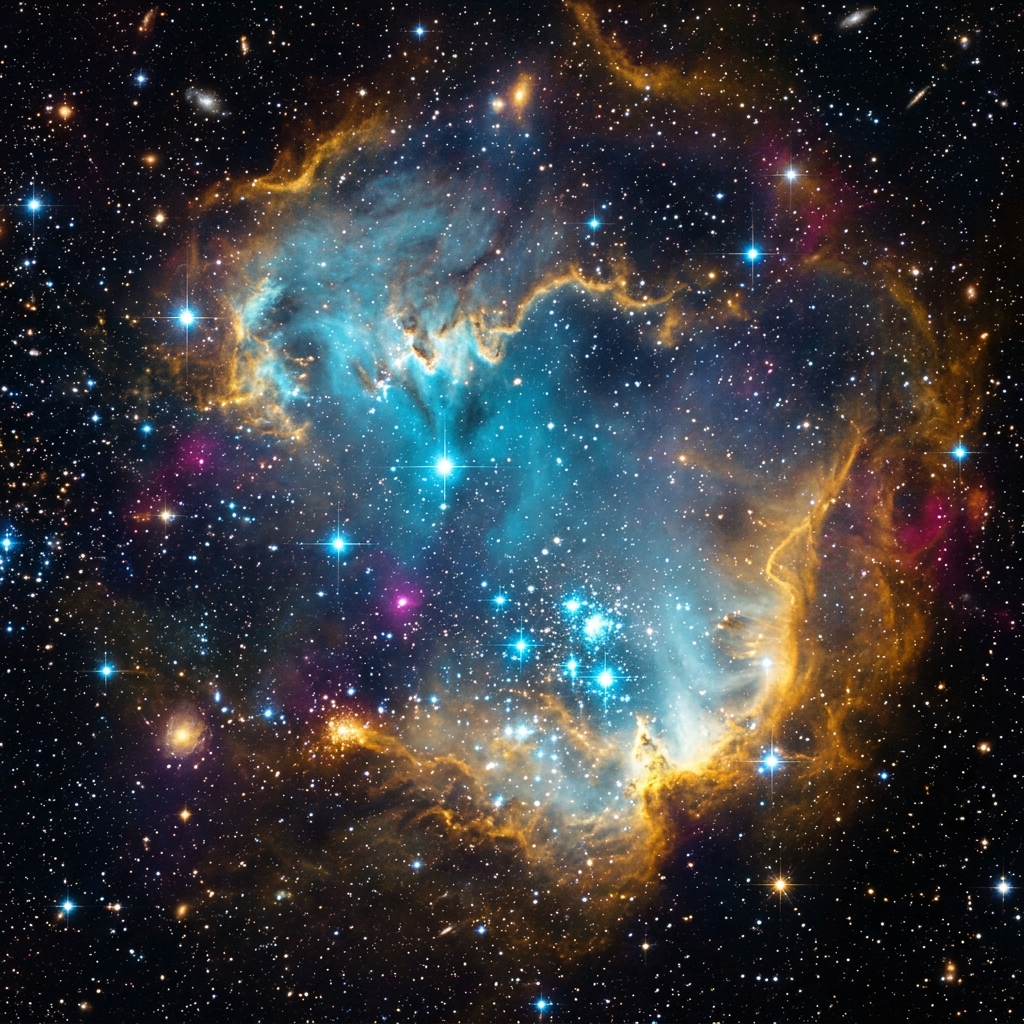
The fastest free Gemini watermark remover for images and Veo videos. 100% private in-browser pixel reconstruction with zero quality loss.


Supports JPG, PNG, WebP · 100% private in-browser processing · Zero upload
No blurry spots and no messy AI painting. Our Gemini watermark remover uncovers the real pixels hiding underneath the logo, leaving fine details, sharp hair strands, and original colors completely untouched.
The left image shows the visible Gemini watermark. The right image shows the same frame after clean removal.

Every image and every video frame Gemini and Veo generate carries the sparkle logo in the corner. Here is why that is a major obstacle for modern creative workflows:
The sparkle in the corner tells every client, employer, and viewer you used AI before you have said a single word. On a professional deliverable, that stamp draws immediate attention away from your artistic vision, prompting debates about synthetic generation instead of appreciation for your composition.
Furthermore, recommendation algorithms on platforms like YouTube Shorts, Instagram Reels, and TikTok often reduce the organic reach of media carrying visible third-party tech stamps. Cleaning your images ensures full viewer engagement and organic reach.
A visible watermark on client pitch decks, commercial mockups, paid ad creative, or YouTube thumbnails undercuts the polish of your final product. It makes your work look like an unfinished preliminary draft rather than commercial-ready artwork.
Companies spend substantial budgets building distinct visual brands. Featuring a Google logo across your hero banners or ecommerce catalog creates customer confusion and weakens your client's brand authority.
Gemini 1.5 Pro, Google Veo, Imagen 3, and Google Flow all apply the logo automatically to every single rendered asset. Even if you pay for premium subscriptions like Gemini Advanced or Google Workspace, there is no setting to turn the watermark off.
Our free tool provides the missing control switch that Google left out. We give creators total control over their generated media so you can export clean, pristine files in a single pass.
Traditional watermark tools use generative AI or clone stamps to smudge over logos with speculative textures. Here is why our color recovery produces 100% authentic, razor-sharp results:
When Google Gemini finishes rendering an image, it stamps a 4-pointed white star in the corner using standard digital alpha blending. The formula Google applies is: C_watermarked = (1 - α) * C_original + α * 255, where α represents the transparency gradient mask of the star logo.
Because the overlay is semi-transparent rather than solid white, the original pixel colors are never actually deleted. They remain fully encoded in the red, green, and blue color channels of your image file, shifted upward in brightness according to the alpha level.
This fundamental optical property means that no artificial intelligence or texture guesswork is needed to repair the image. The real picture is already there.
Our algorithm mathematically inverts Google's compositing formula: C_original = (C_watermarked - α * 255) / (1 - α). By subtracting the precise white opacity value at each coordinate across the bounding region, we uncover the exact underlying RGB color values.
This algebraic reconstruction produces zero blur, zero color bleeding, and zero geometric distortion. Complex image details such as fine human hair, detailed textures, fabric weaves, and small typography remain completely sharp and true to life.
Furthermore, our tool leaves the remaining 99% of your canvas completely untouched. Every non-watermarked pixel remains bit-for-bit identical to the source file, preserving original color spaces and full native resolution.
Cleaning your AI images and video clips takes just a few seconds with zero technical knowledge required:
Drag and drop your JPG, PNG, or WebP file into the dropzone above, click to browse your computer or phone storage, or simply hit Ctrl+V (or Cmd+V on macOS) anywhere on the page to paste directly from your clipboard.
Supports all standard web resolutions from 512x512 up to 4K Ultra HD.
Our client-side engine automatically locates the Google Gemini sparkle logo in the bottom-right corner and prepares the exact alpha mask coordinates within milliseconds.
No manual selection, cropping boxes, or brush tools are needed. Detection is 100% automatic.
The reverse mathematical equation executes directly inside your browser memory sandbox using client-side Canvas pixel processing, restoring the authentic underlying colors without AI blur or artifacts.
Standard images process in under 1 second on modern laptops and smartphones.
Inspect your cleaned file using our interactive before-and-after comparison slider and click Download to save the full-resolution unbranded file directly back to your device.
Files are exported in their original container format with 100% preserved color profiles.
Clean AI-generated video clips frame by frame right in your browser while keeping your audio track synchronized.
Upload MP4 or WebM video clips generated from Google Veo, Google Flow, Imagen Video, or Vertex AI.
Supports common 720p, 1080p, and standard 30fps / 60fps clips.
Our browser engine processes the corner watermark frame-by-frame locally on your device without uploading your video to external servers.
Runs directly inside your browser for maximum privacy and security.
Audio tracks and background dialogue are captured and re-synchronized directly in the browser during export.
Export ready-to-share MP4/WebM video files directly to your device.
Our watermark remover is calibrated to clean outputs from all current Google generative visual tools and machine learning suites:
Cleans the standard 4-pointed white sparkle watermark stamped in the corner of all Gemini 1.5 Pro and Gemini 1.5 Flash image generations.
Works seamlessly on both web chat exports and mobile app downloads.
Full support for photorealistic outputs from Imagen 3 and Imagen 2 exported through Google AI Studio, Vertex AI, and AI Test Kitchen.
Preserves fine textures, macro details, and HDR lighting contrasts.
Removes corner sparkle watermarks across short video clips and animations generated with Google AI tools, processed directly in your browser.
Frame-by-frame cleaning eliminates the visible corner star logo.
Seamlessly removes corner logos from visual assets generated within Google Flow and multi-modal creative workspace boards.
Export clean visual cards ready for instant client presentation.
Restores illustrations and banner art generated within Google Docs, Google Slides, and Google Sheets to pristine, unbranded quality.
Ensure professional corporate slides with zero third-party tech stamps.
Cleans AI visuals created on Google Pixel mobile devices and the Gemini Android/iOS mobile application with single-tap ease.
Works directly inside mobile Safari and mobile Chrome on any phone.
See how our mathematical pixel reconstruction compares to blurry clone stamp tools and slow AI inpainting models:
When removing watermarks from generative AI assets, selecting the right algorithmic approach makes the difference between a pristine, commercial-ready image and a smudged file with visible blur halos.
| Feature | Our Reverse Engine | Photoshop Fill | AI Inpainting |
|---|---|---|---|
| Image Clarity & Sharpness | 100% Clear (Zero Blur) | Blurred / Content-Aware fill | AI hallucinated fake pixels |
| Quality & Sharpness | Zero blur or edge artifacts | Smudged edges & halos | Texture mismatches |
| Veo Video Frame Support | Frame-by-frame local processing | Manual export only | Flickers across frames |
| Data Privacy | 100% In-Browser (Zero upload) | Local software required | Uploaded to cloud servers |
Generative AI inpainting models (like Stable Diffusion or Lama Cleaner) treat the watermark area as missing data and generate new speculative pixels from surrounding context. This frequently results in unnatural skin textures, melted line art, and altered lighting gradients that do not match the rest of your composition.
Because Google composites the sparkle logo using transparent alpha blending, the authentic original pixels are still fully preserved in the RGB color channels. Our color reversal formula uncovers the real pixels underneath with zero guesswork, zero smudge marks, and zero fake AI artifacts.
Designed for creators and teams who want clean, ready-to-use visuals every single day:
Deliver clean client presentations, brand mockups, and portfolio artwork without distracting AI badges.
Export pristine images ready to place straight into Figma, Photoshop, or Canva.
Make high-CTR YouTube thumbnails, TikTok covers, and Instagram reels that feel organic and professional.
Keep your audience focused on your content instead of wondering which AI model you used.
Create clean product lifestyle photos, Facebook ad creatives, and Shopify landing page graphics.
Maintain trust with customers by delivering unbranded, commercial-grade product visuals.
Process work files safely on your own computer without uploading confidential assets to external servers.
100% compliant with company privacy policies and non-disclosure agreements.
Follow these simple best practices to make sure the watermark disappears completely with zero trace on every generation:
Always click the direct 'Download' button inside Google Gemini or Google AI Studio.
Taking a screenshot slightly distorts pixel positions and color values, which can leave a faint outline. Always use original uncompressed files directly from the generator interface.
Upload the full-size 1024x1024, 2048x2048, or 4K video export directly.
Higher resolution files have smoother transparency gradients, giving our reverse math engine denser alpha channel data for an invisible, flawless cleanup.
Avoid forwarding files through chat apps like WhatsApp or Telegram before cleaning.
Messaging apps aggressively compress pictures using lossy chroma sub-sampling, which smudges the delicate edges and alpha boundaries around the logo.
Ctrl+V or Cmd+V on this page to remove watermarks instantly without saving intermediate files.Clear, honest facts about how our watermark remover works and what we guarantee:
Got questions? Here is everything you need to know about removing Gemini watermarks:
Get clean, ready-to-use pictures with no watermarks. Clean for free or get 24 hours of unlimited 4K video exports for just $1.